


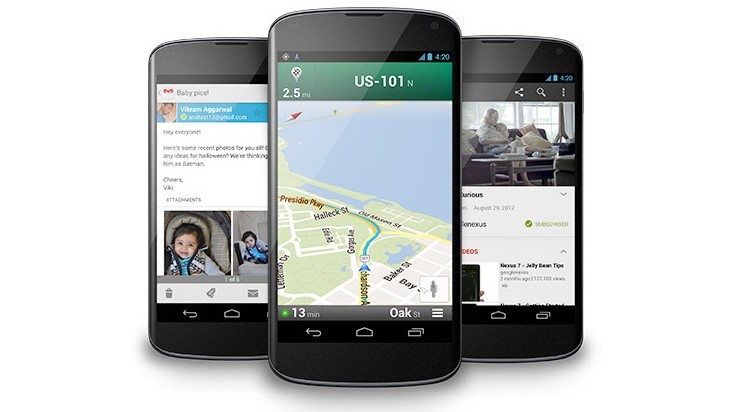
Android 4.2 brings with it some long-awaited features like malware protection and a quick settings menu adjacent to the notification tray. The quick settings can be accessed with a two-finger swipe while notifications continue using one.
For Android users everywhere — or maybe just the ones in our office — Google’s decision to add quick settings to Android 4.2′s notification pulldown is very much appreciated. It’s also a feature Android users have been waiting for since the first third-party developer implemented the feature. You could download an app or install a custom ROM to activate the feature, but that’s not the way it should be. Also in Android 4.2, Google has added some important and necessary security features to crack down on malware, which we’ll get to later.
As we reported earlier, the quick settings can be accessed by swiping down from the top of the screen with two fingers, rather than the one-finger swipe used to access notifications. You can also use the settings button that normally resides at the top of the notification dropdown.
According to Android Central, there are eight settings listed: Google+ profile, brightness, settings, Wi-Fi, mobile data, battery, airplane mode, and Bluetooth. The Google+ button takes you to your profile, settings opens up the full settings menu, Wi-Fi takes you to Wi-Fi settings, airplane mode is a toggle for the feature, Bluetooth takes you to Bluetooth settings, mobile data shows your carrier and signal strength, and brightness brings up the brightness slider, and battery shows a percentage remaining and will take you to the full battery menu if tapped.
All in all, the quick settings are not nearly as useful as some third-party apps out there, but it’s a good start. We would have liked to see the Wi-Fi, Bluetooth, and mobile data buttons be used as toggles rather than shortcuts, but hopefully this will change in future updates.
As for security, Android 4.2 brings a malware scanner to the platform that screens “sideloaded” apps — meaning software not downloaded from Google Play — for any mischievous code. The new feature has to be enabled in the settings menu and adds another step to installing outside apps. Google compares the app to its own list of “known applications” that includes both apps from Google Play and popular apps that aren’t available in the store. If a threat is discovered, Google will shut down the installation.
There are also new safeguards in place for apps that attempt to automatically bill your cellular account. Now a prompt will show up to request your direct permission for the billing. Android 4.2 also adds some minor improvements to the permission screen that precedes app installation to make it more obvious and easier to understand.
Android 4.2 may be an incremental update, but it’s nice to see Google adding much-needed and appreciated features to its mobile operating system. This attention-to-detail is exactly what Android needs if it wants to continue commanding the world’s attention.
Source : http://www.digitaltrends.com/mobile/quick-settings-malware-protection-android-4-2/


